
polarion.code.editor
VS Code, built right into Polarion.
Edit Velocity macros, configs and XML without leaving your browser.
What it does
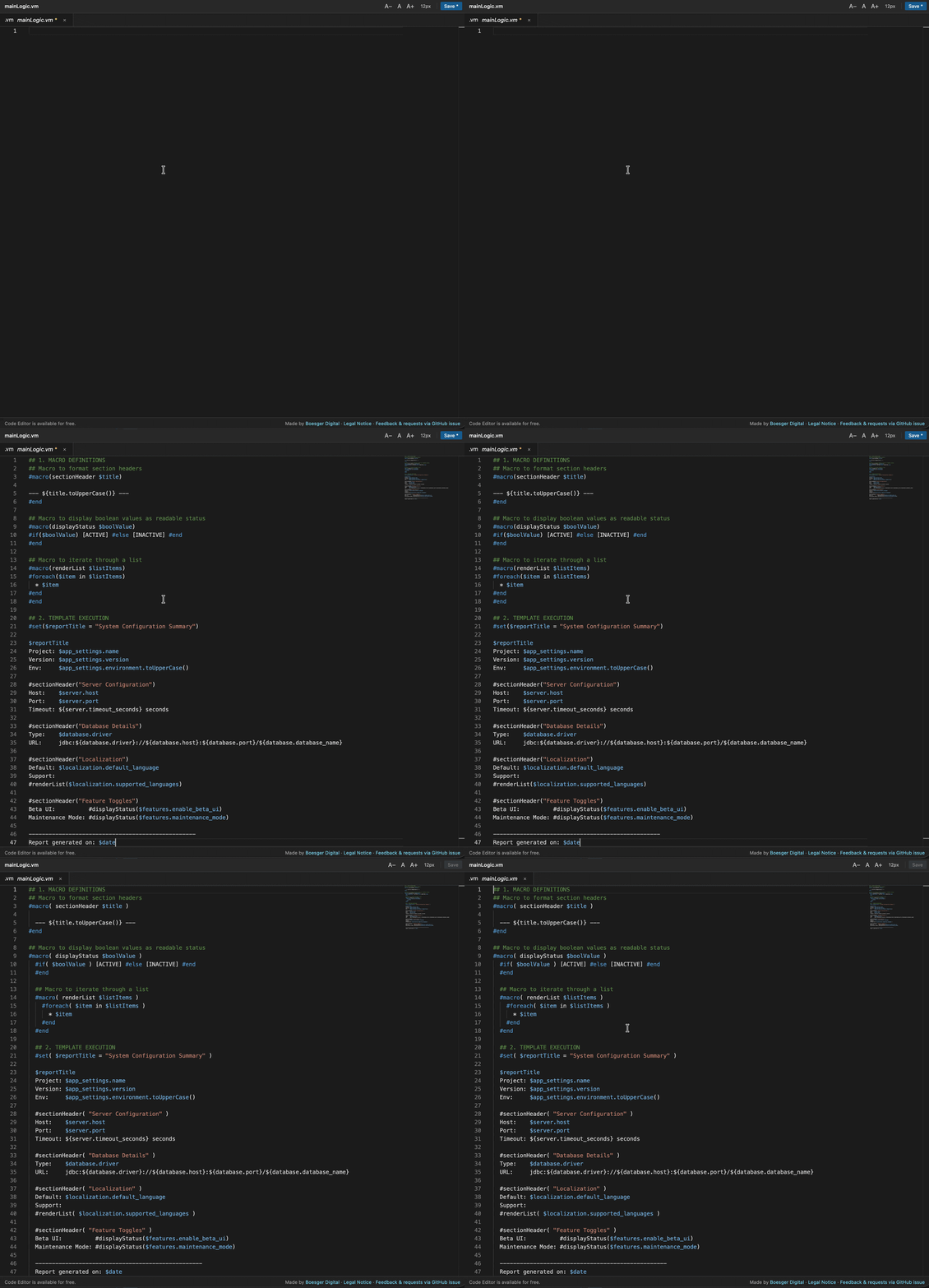
Monaco Editor Engine
The exact same engine that powers VS Code — syntax highlighting, a familiar dark theme and the shortcuts you already know.
Velocity Template Highlighting
First-class support for Polarion's Velocity dialect — .vm, .vtl, .fhtml and page.xml all get full syntax highlighting.
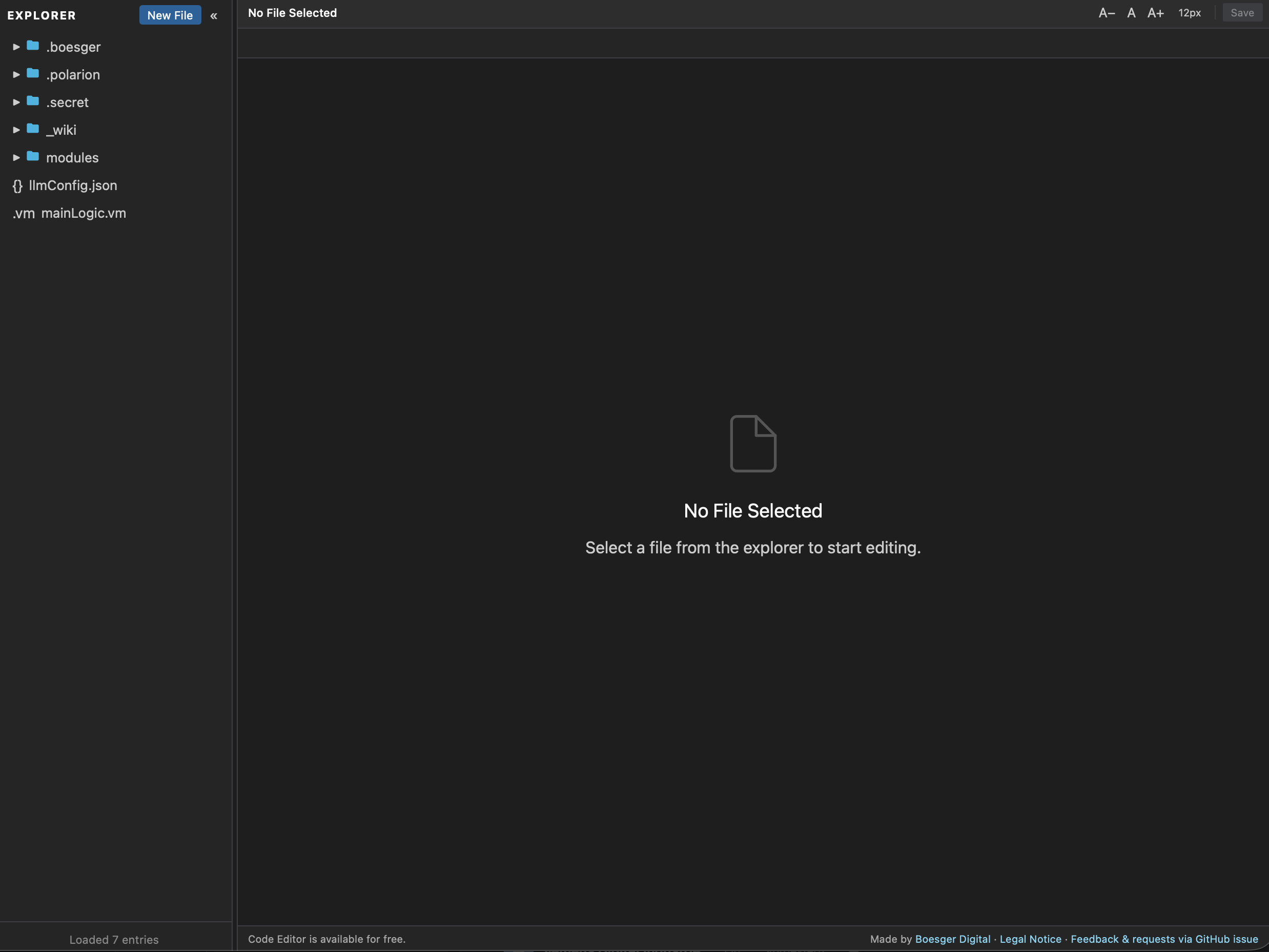
File Explorer Sidebar
Browse the full Polarion SVN repository in a sidebar, scoped to the current project. Create, rename and delete files in place.
Multi-Tab Editing
Open multiple files as tabs. Drag to reorder. Unsaved changes are tracked, the editor warns before you navigate away.
Image Preview
Click any PNG, JPG, GIF, SVG or WebP file to open it in the built-in image viewer. See exactly what your assets look like.
Built-in REST API
Every file operation is exposed via a REST API at /polarion/code-editor/api/ — list, read, save, rename, delete from CI or scripts.
See it in action
Real screens from the running product, not mockups.

Up and running in 3 steps
Download the JAR
Grab the JAR matching your Polarion version from the GitHub releases page — one for 2512, one for 2606.
Drop into plugins/
Copy the JAR into the Polarion plugins directory. Deploy only the one that matches your running Polarion release.
Restart & Open
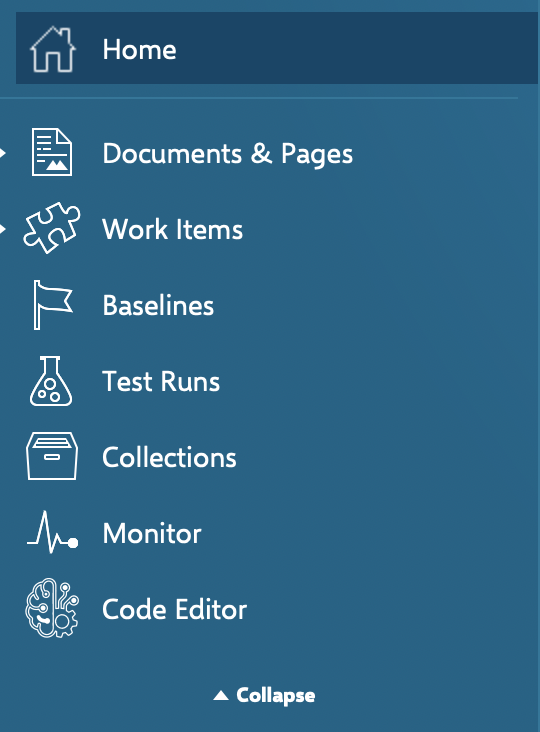
Restart the Polarion server. The Code Editor entry appears in the left-hand sidebar. Click it and start editing.
Two JARs, one source
Polarion 2606 moved from Tomcat 9 (javax) to Tomcat 11 (jakarta). Pick the build that matches your version.
Get building
# Download from GitHub Releases
curl -L -o code-editor-2606.jar \
  https://github.com/phillipboesger/polarion.code.editor/releases/latest/download/boesger.polarion.code-editor-1.5.1-polarion2606.jar

# Deploy (Tomcat 11 / jakarta.servlet)
cp code-editor-2606.jar <POLARION_HOME>/polarion/plugins/

# Restart Polarion → Administration → Code Editorcurl -L -o code-editor-2512.jar \
https://github.com/phillipboesger/polarion.code.editor/releases/latest/download/boesger.polarion.code-editor-1.5.1-polarion2512.jar
cp code-editor-2512.jar <POLARION_HOME>/polarion/plugins/# Base URL: /polarion/code-editor/api/
GET /api/health
GET /api/config/list?projectId=MyProject
GET /api/config/file/{filename}?projectId=MyProject
PUT /api/config/file/{filename}
DELETE /api/config/file/{filename}
POST /api/config/rename<!-- Global Administration -> Portal -> Topics -->
<!-- add inside <topics> -->
<topic id="code-editor"/>
// Save -> the Code Editor tab appears in User ViewInstalling the wrong JAR prevents the plugin from loading — double-check the suffix matches your Polarion version.
Stop editing Velocity in a textarea.
Free, open-source, and deployed in one command. No paywall, no license key, no limits.
Or let an AI sum me up — the prompt is already prepared:
 ChatGPT
 Claude
 Perplexity
 Gemini